

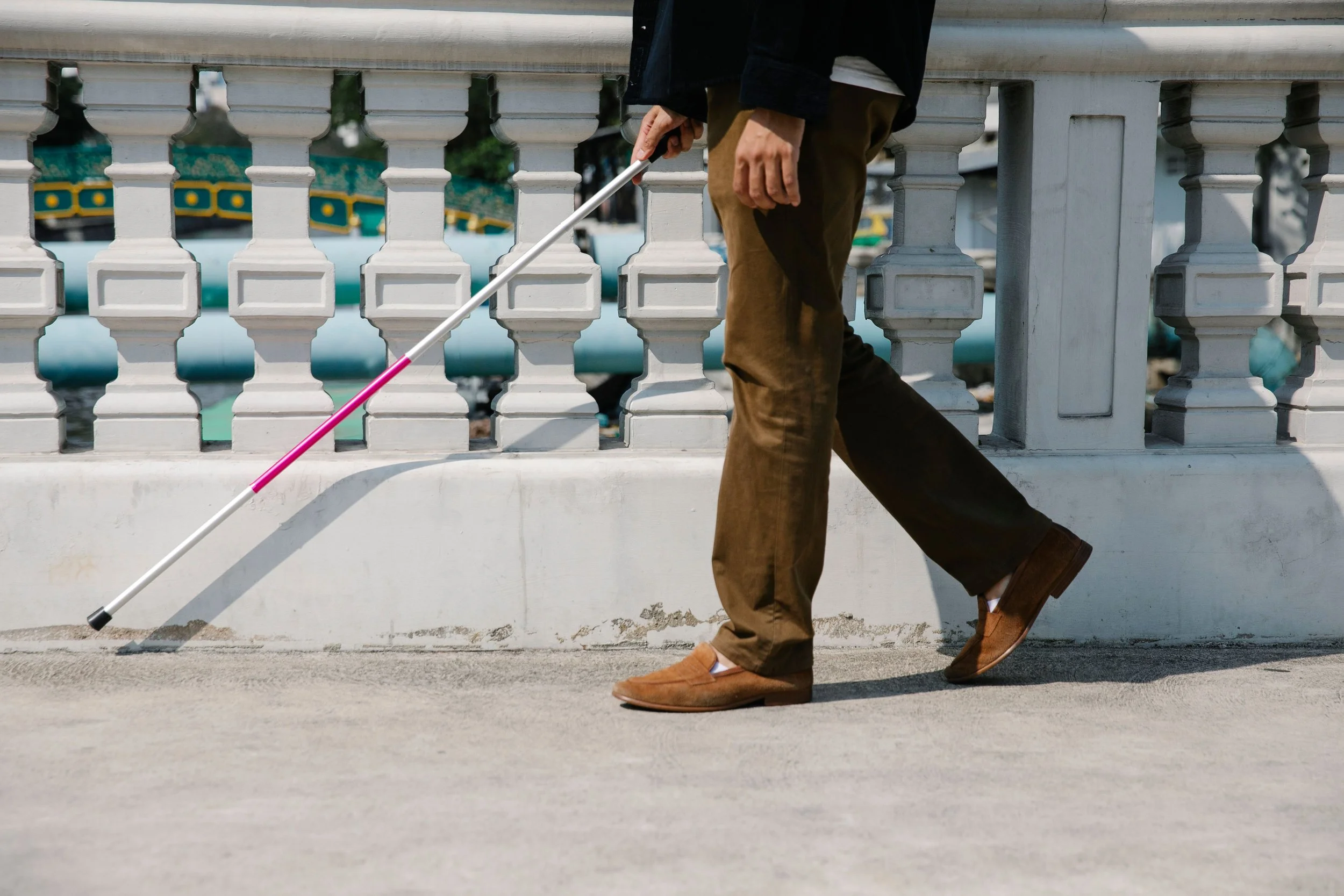
Image: A person is pictured from the waist down, walking with the assistance of a white cane.
October 15 was White Cane Safety Day. Since 1964, the President has been authorized to proclaim the day to recognize the white cane as a tool for independent travel and a visible sign that the person carrying it is blind or has low vision. In this article, we look at where the day came from, what Colorado law says drivers must do when they see a white cane, and the newest assistive technology that works alongside the cane, from smart canes to apps that read crosswalk signals. We also share where you can try many of these tools for yourself before you buy, right here at CPWD.
Where White Cane Safety Day Comes From
The white cane began as a safety tool. In 1931, Peoria, Illinois passed the first ordinance for white cane travel, the same year a movement in France began recognizing the white cane as a travel safety tool. Advocates who are blind pushed for national recognition next. In July 1963, the National Federation of the Blind called on the governors of all fifty states to proclaim October 15 as White Cane Safety Day.
Congress followed this call. On October 6, 1964, a joint resolution, HR 753, was signed into law authorizing the President to proclaim October 15 each year as White Cane Safety Day. President Lyndon B. Johnson issued the first proclamation that same day. In Proclamation 3622, he described the white cane as a symbol of "a blind person's ability to come and go on his own." Presidents have issued the proclamation in most years since.
That is the heart of the day. The white cane stands for our right to travel our own streets, on our own schedule, to the places we choose.
What Colorado Law Says
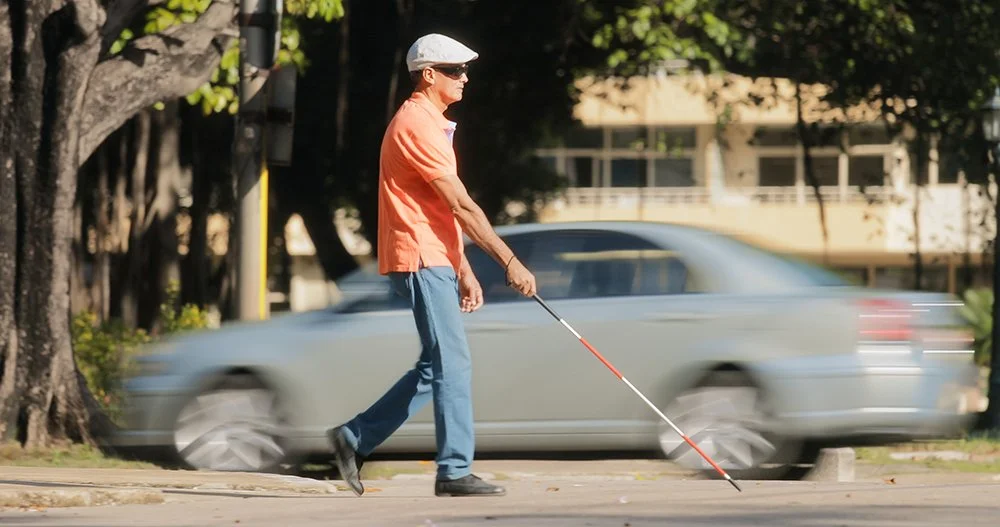
Image: A man crosses a street using a white cane while a car speeds behind him.
In Colorado, the white cane carries legal weight. Under Colorado Revised Statutes Section 42-4-808 from 2025, any driver or pedestrian who approaches a person with an obviously apparent disability must come to a full stop and take whatever precautions are needed to avoid an accident or injury. The law names examples of an obviously apparent disability, including a person using a mobility device, a person assisted by a service animal, and a person assisted by another person. A driver who fails to stop commits a class A traffic infraction.
This means the cane does two jobs at every crossing. It gives the person carrying it information about the ground ahead, and it tells every driver nearby that the law requires them to stop. The American Council of the Blind also asks drivers not to honk and not to call out directions, since both can make it harder for a pedestrian who is blind to hear traffic and make their own decision about when to cross.
The Cane Is Still the Foundation
Every new device in this article is designed to work with the white cane and the skills behind it. Orientation and mobility training teaches how to use the cane, read traffic sounds, and plan a route, and those skills are what make any technology useful. The American Printing House for the Blind strongly recommends training in cane use. The newest tools add information on top of that foundation.
Smart Canes: Sensors on a Familiar Tool
A standard cane finds what is on the ground, but it can’t reach a tree branch at head height or a truck mirror sticking out over the sidewalk. Smart canes add sensors to cover that gap.
The WeWALK Smart Cane 2 is the best-known example. It was co-founded by Kürşat Ceylan, who has been blind since birth. The handle attaches to a standard white cane and uses ultrasonic sensors to detect obstacles at chest and head height, then warns the user with vibrations. It also pairs with a smartphone for turn-by-turn voice navigation, public transit information, and a built-in AI voice assistant. According to a 2026 buyer's guide from WhiteCane.ai, it sells for about $599.
A second device takes a different approach. Glide, from the Seattle company Glidance, is a wheeled mobility aid that rolls ahead of the user, steers around obstacles, and guides them through a handle, with spoken and vibrating alerts for turns and stops. In July 2026, Glidance reported that its first pilot users were walking solo with Glide as their primary mobility aid on their own routes. The company brought Glide to Colorado for a public demo day at the Colorado Center for the Blind in Denver on October 14, 2026.
One of Glide’s earliest users is our own Darcy McLean, a Low Vision Skills Trainer and Peer Support Group Facilitator in CPWD’s Beyond Vision program. Darcy has already walked both paved and unpaved trails near her home in Denver with Glide, and she told Glidance she is “excited to have the independence to walk in unfamiliar environments.” She also plans to share what she is learning with the older adults she works with in Beyond Vision. You can read more about Darcy in Glidance’s spotlight on her.
Glide is not yet open for general purchase, and New Atlas reported an expected price of $1,499 plus a $30 monthly software fee. You can join the Glide waitlist on the Glidance website.
Apps and Wearables That Read the World Around Us
Some of the most useful tools fit in a pocket or on a pair of glasses. In our video How Assistive Technology Supports Linda's Independence, Linda, who lives with macular degeneration, walks us through the tools she uses every day to get around, stay informed, and stay connected. Here is a closer look at each one, and what to know before you try it.
Meta Smart Glasses
Ray-Ban Meta and Oakley Meta glasses look like ordinary eyeglasses or sunglasses, with a small camera, speakers, and microphones built into the frame. Most models support prescription lenses. The wearer speaks to Meta AI by saying "Hey Meta," and it can read text, describe surroundings, and connect to live help, all without picking up a phone.
Two features matter most for people who are blind or have low vision:

Image: Linda uses Meta Glasses to read a label on a soup container.
Detailed responses. This accessibility setting tells Meta AI to give richer descriptions of objects and scenes. To turn it on, open the Meta AI app, tap the Glasses icon, go to Accessibility, and turn on Detailed responses. In February 2026, Meta extended detailed responses to live AI on Ray-Ban Meta, Oakley Meta HSTN, and Oakley Meta Vanguard glasses in the United States and Canada. Live AI is a mode in which the glasses keep looking through the camera during a conversation, so you can ask a string of questions about what is in front of you without saying “Hey Meta” each time. With this update, those ongoing descriptions now include the same richer detail.
Be My Eyes volunteer calls. Once Be My Eyes is connected in the Meta AI app, saying "Hey Meta, call a volunteer on Be My Eyes" starts a hands-free video call with a sighted volunteer who sees what is in front of you through the glasses' camera. In April 2026, Be My Eyes also came to the Meta Ray-Ban Display glasses. Aira can be connected to the glasses as well.
Even with all of these features, there are honest limits to know about. A review in AFB AccessWorld points out that Meta did not design the glasses specifically for people with vision loss. It also explains that on the glasses, Be My Eyes connects you only to live volunteers. Be My AI, the feature that describes photos automatically, works in the Be My Eyes phone app but not through the glasses. The Technology Association of Visually Impaired People notes that Meta AI sometimes gets details wrong, so it is wise to confirm anything important, such as a medication label, with a second source. The glasses also do not sense obstacles, so they work best alongside a white cane.
OKO
OKO is an iPhone app that makes pedestrian signals accessible. You point the phone's rear camera toward the signal across the street, and the app uses AI to read whether it shows walk or don't walk, then tells you through distinct sounds, vibrations, and on-screen cues. It needs no equipment installed at the intersection and no Wi-Fi or cellular connection. OKO has been available in the United States since February 2023. Experienced travelers describe it as an addition to their orientation and mobility skills, so listening to traffic stays part of every crossing.
Aira
Aira connects you, with one tap, to a professional visual interpreter who sees your surroundings through your phone's camera, along with your GPS location. Interpreters are available 24 hours a day, every day of the year, with no reservation needed. The app is free, and so is Access AI, its photo description feature, which lets you ask a human interpreter to verify an AI description when you want more confidence. Live interpreter time is a paid service, and Aira’s plans start at $26 a month for 20 minutes. You can also get free minutes at Aira Access Partner locations, which are organizations that pay for Aira on behalf of their customers, visitors, students, and employees.
BARD and the Colorado Talking Book Library
The National Library Service for the Blind and Print Disabled at the Library of Congress provides free audio and braille books and magazines to people in the United States who cannot read standard print. In our state, that service comes through the Colorado Talking Book Library in Denver, which serves Coloradans of all ages who cannot read standard print because of a visual, physical, or learning disability, whether permanent or temporary. Members can download books any time through BARD, the Braille and Audio Reading Download service, using the free BARD Mobile app on a phone or tablet. The library also mails audio, braille, and large-print books postage-free, and it lends a digital talking book player at no cost. You can reach the library at (303) 727-9277.
Hadley
Hadley was founded in 1920 by William Hadley, an educator who lost his sight later in life. Today it offers free practical and emotional support to adults adjusting to vision loss, along with their families. Its library of more than 600 short workshops covers daily living, technology, braille, recreation, and adjusting to vision loss, and lessons come online, by phone, or by mail in large print, braille, or audio. Hadley also offers peer-to-peer matching, discussion groups, and podcasts. You can call Hadley at (800) 323-4238.
Access-a-Ride
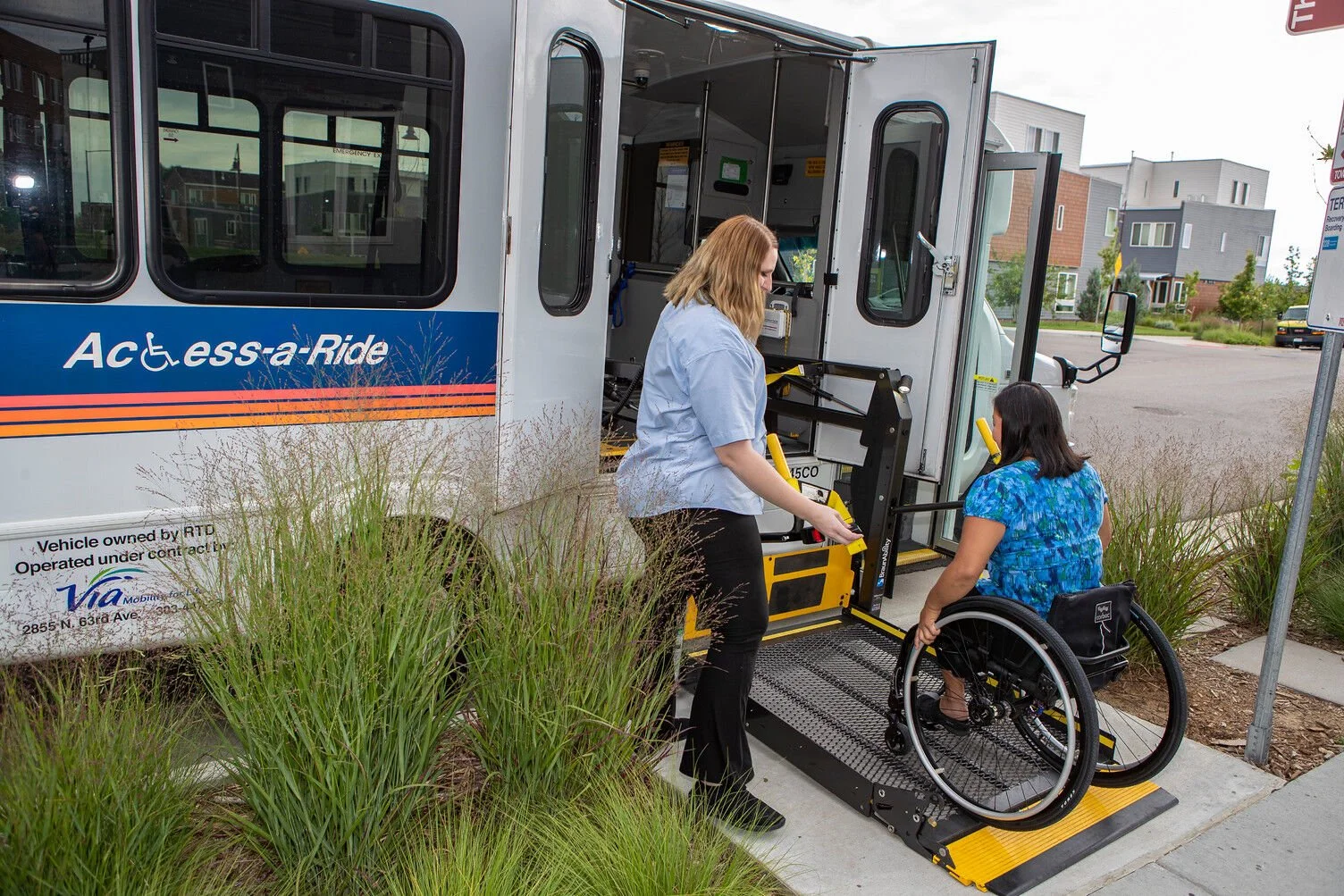
Image: The driver af an Access-A-Ride bus helps a woman who is a wheelchair user use the lift to get on the bus.
Access-a-Ride is RTD's paratransit service under the Americans with Disabilities Act. It is a shared-ride service for people whose disability prevents them from using regular buses and light rail for some or all trips, and rides can be used for any purpose. Service covers trips that start and end within three-quarters of a mile of RTD's local fixed routes, and there is no same-day service, so rides are booked ahead. Riders apply for eligibility through RTD.
Linda's story shows how these tools fit together. No single device does everything, and the right combination depends on each person's vision, routes, and goals.
More New Tools Worth Knowing
Several other tools have grown more capable in the past few years, and many of them are free.
Be My Eyes is a free app that connects people who are blind or have low vision with more than 9 million sighted volunteers by video call. Its Be My AI feature, launched in 2023, describes any photo you take and answers follow-up questions about it.
Seeing AI is a free app from Microsoft that reads printed and handwritten text, identifies currency, recognizes faces, and describes scenes through your phone's camera.
Envision offers a free app with a conversational AI assistant called Ally, which is strong at reading documents. Envision also makes smart glasses designed for people who are blind or have low vision, which cost considerably more than consumer glasses.
Apple's built-in features are already on many of our phones. Detection Mode in the Magnifier app uses the camera, the LiDAR scanner, and on-device machine learning to find people, doors, furniture, and text nearby, and it can describe your surroundings at the press of the Action button. Live Recognition with VoiceOver describes people, doors, text, and furniture indoors, and Accessibility Reader makes any text easier to read and can read it aloud. Our next Apple Accessibility session on November 23 is a good place to learn these.
.lumen glasses were honored at the CES 2026 Innovation Awards. They use sensors and AI to find a safe walking path and guide the wearer with gentle vibrations, an approach designed to replicate some of what a guide dog does. They are worth watching as they move toward wider availability.
Try Before You Buy at CPWD

Image: A CPWD staff member helps out in the Assistive Technology Library.
Assistive technology can be expensive, and the best way to choose is to try it first. CPWD's Beyond Vision program has an Assistive Technology Library in our Boulder office, where people who are blind or have low vision can test, try, and learn about different devices before deciding what to buy. Beyond Vision serves residents of Adams, Boulder, Broomfield, Jefferson, Gilpin, and Weld Counties, with training at home, in groups, and online.
Two upcoming Beyond Vision sessions focus on technology:
Apple Accessibility with Beyond Vision on Monday, November 23, explores the accessibility features built into iPhones, iPads, Macs, and Apple Watches.
Assistive Technology Group with Beyond Vision on Monday, November 9, brings people together to explore new tools and share what is working for them.
Statewide, the Assistive Technology Program of Colorado, funded under the federal Assistive Technology Act, offers device demonstrations, short-term device loans, and device reuse.
What We Can Do Next
White Cane Safety Day is a good time to take the next step, whether that means trying a new tool or improving the streets we all travel.
Try a device. Call Beyond Vision at (303) 442-8662 or email info@cpwd.org to visit the Assistive Technology Library or join an upcoming session.
Tell us about a crossing. If an intersection near you has no accessible pedestrian signal, or drivers routinely fail to stop there, let us know. Systems advocacy starts when someone names a specific barrier.
Show up where streets are planned. City transportation and planning meetings decide where accessible signals and curb ramps go next, and our experience as pedestrians belongs in that conversation.
Stay informed. Sign up for advocacy updates on our website so you hear about transportation decisions while there is still time to weigh in.
The white cane has carried our community across streets for nearly a century. The tools beside it keep getting better, and we are here to help you find the ones that fit your life.